Example Map
Slide_Mountain_Themepark is a mountainside theme park built entirely with Simple Slide System. Tube slides, launch ramps, cannons, fireman poles and a backyard playground all run on the same BP_SimpleSlideSystem Blueprint. There are no special versions and no extra code, just different splines and settings.
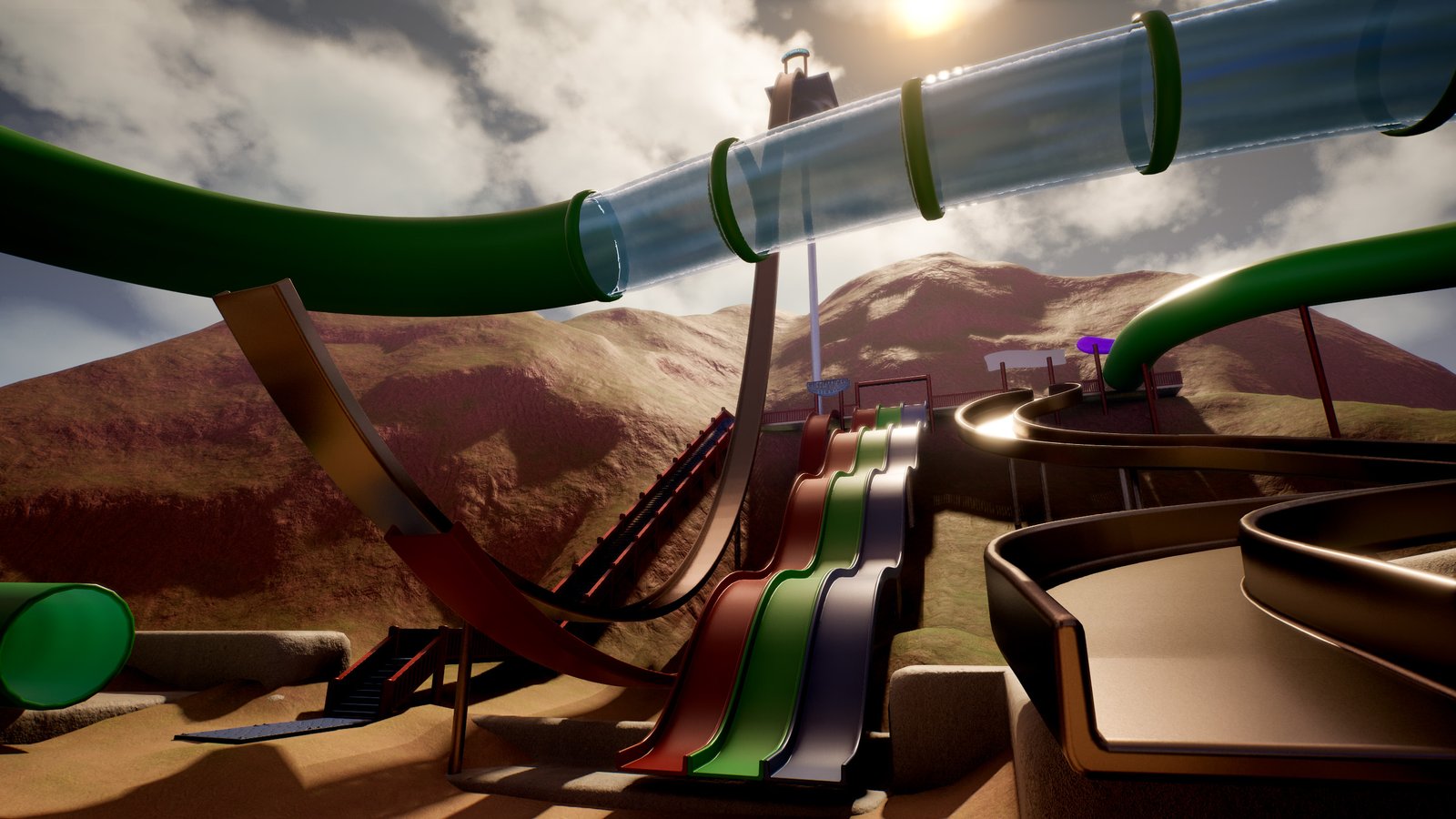
Simple Slide System scales from simple playground slides to large theme-park attractions using the same Blueprint and workflow. Every ride in this park was made the same way: place the slide, shape the spline, tune the settings.
Opening the map
- In the Content Browser, open
SimpleSlideSystem/Demo. - Double-click Slide_Mountain_Themepark.
- Press Play. Walk with WASD, look with the mouse and jump with Space.
- Walk into any slide entrance to ride.
The map uses its own demo character, game mode and input (all inside Demo/DemoContent), so it works without changing your project settings. Your own levels don't need any of these.
Learning from the examples
The best way to use this map is to take it apart:
- Select a slide in the viewport or Outliner and open the Slide categories in the Details panel to see exactly how it's tuned.
- Turn on Draw Debug to see the rider's speed while you ride.
- Copy settings you like onto your own slides — right-click a property and choose Copy, then Paste on another slide.
- Reuse the meshes. Every slide model, platform, staircase, cannon part and sign is in
Demo/DemoContent/Meshes.
The exact values on each attraction are the source of truth. The descriptions below explain what each ride is designed to show; open its Details panel to see how it's done.
The park at a glance
| Attraction | Type | What it shows off |
|---|---|---|
| Wormhole | Enclosed tube slide | Long, twisting splines with wind audio, speed FOV and free-look limits |
| The Sidewinder | Open slide | Unusual spline shapes and camera steering |
| Slide Feel Showcase | Three identical slides | How much the ride changes through settings alone |
| Cliffhanger | Jump slide | Launches and momentum used for traversal |
| Cannons | Launch cannons | Using the slide for something that isn't a slide |
| Skybreaker | Giant drop slide | Maximum speed and dramatic launches |
| Fireman Poles | Vertical poles | Controlled vertical traversal |
| Playground Structure | Small playground | Everyday, small-scale slides with simple geometry |
Attractions
Wormhole
A long, enclosed tube slide inspired by water-park attractions.
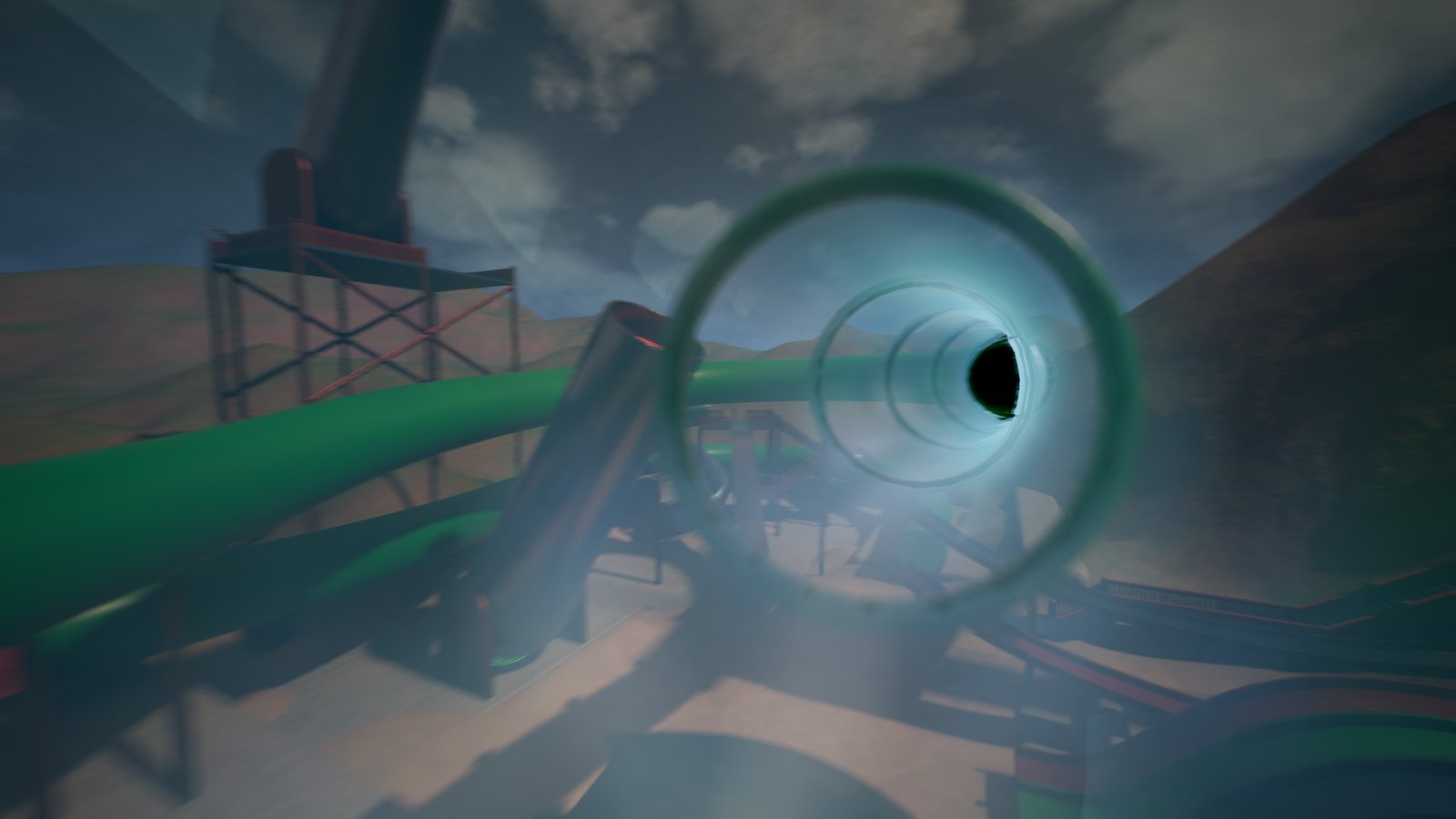
Wormhole takes riders through a long, twisting tube lit by colourful interior lighting, with blue and red glass sections that make the ride feel like a sci-fi portal. It shows off many of the system's advanced presentation features, and it still runs on the same core BP_SimpleSlideSystem Blueprint as every other ride in the park.
- Long spline paths: a single slide actor carries the rider from top to bottom, however long the path is.
- Complex twists and turns: the camera keeps up through tight, constant direction changes. See Rotation Interp Speed.
- Enclosed tube slides: the rider's capsule is query-only during the ride, so the tube walls never snag them.
- Wind audio: a wind loop that gets louder and higher-pitched as the rider speeds up, playing alongside the slide-contact loop.
- Speed FOV: the camera's field of view widens with speed, then eases back after the ride.
- Free-look limits: riders can glance around inside the tube, but the view stays within a set yaw range and always returns to face down the slide.
- Advanced presentation: lighting, materials and audio combine into a themed experience without any changes to the Blueprint.
Lower Rotation Interp Speed to 2 and ride again. The camera lags behind on the turns, which is why 6–10 is recommended for twisty slides.
The Sidewinder
An open slide with dramatic side-to-side curves.
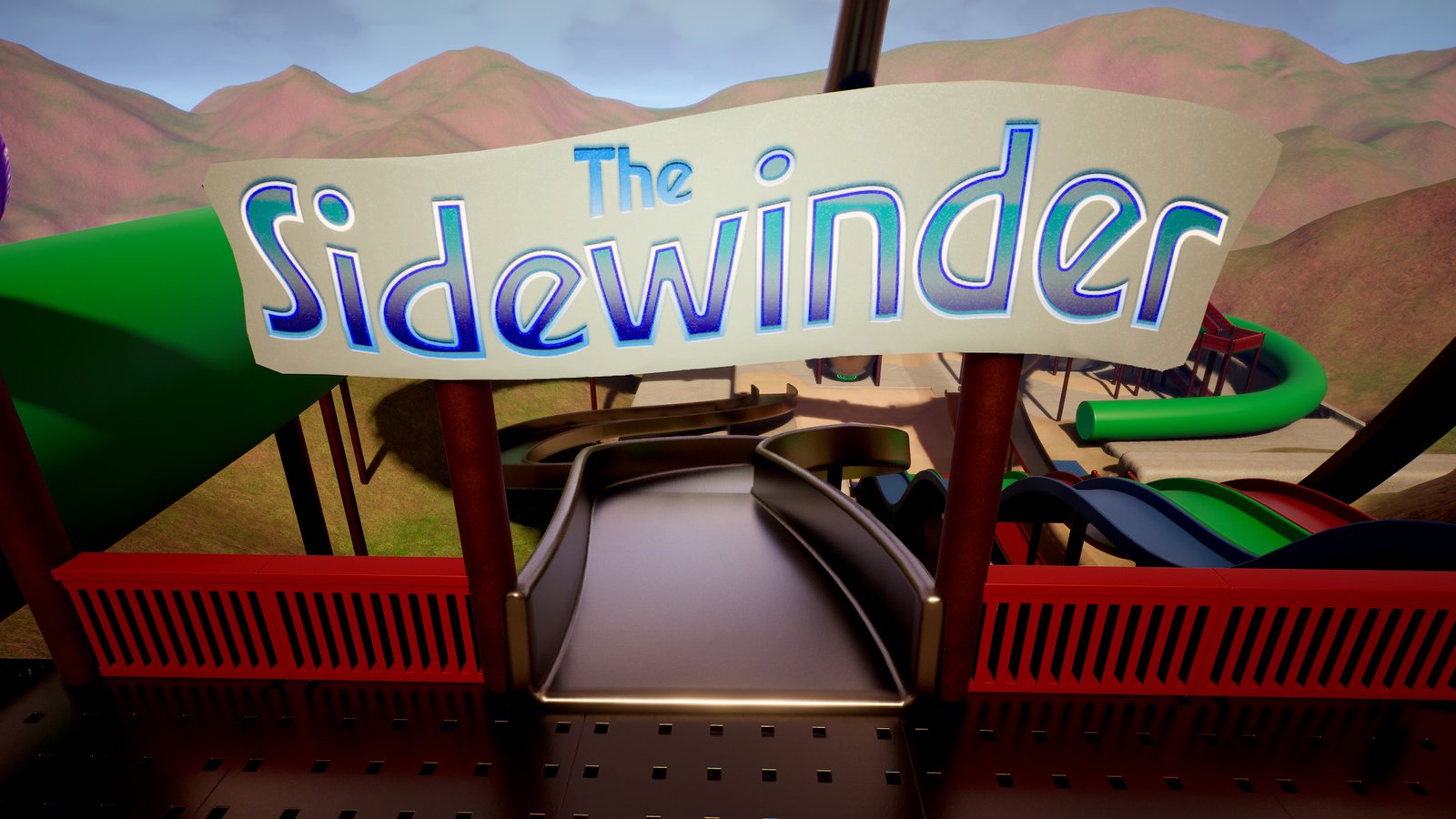
The Sidewinder follows a winding, snake-like path. It shows that the slide system adapts to unusual shapes and layouts without any changes to the Blueprint: if you can draw it with a spline, you can ride it.
Features demonstrated- Arbitrary spline shapes: sweeping S-curves built from a handful of spline points.
- Camera steering: Face Slide Direction turns the view smoothly through each bend. The rider follows heading (yaw) only and never tilts into the curves.
- Open slide design: the player sees the whole course ahead, so the camera's steering is easy to watch.
Turn Face Slide Direction off and ride again with free mouse look to compare the two styles.
Slide Feel Showcase
Three slides with the same shape and very different rides.
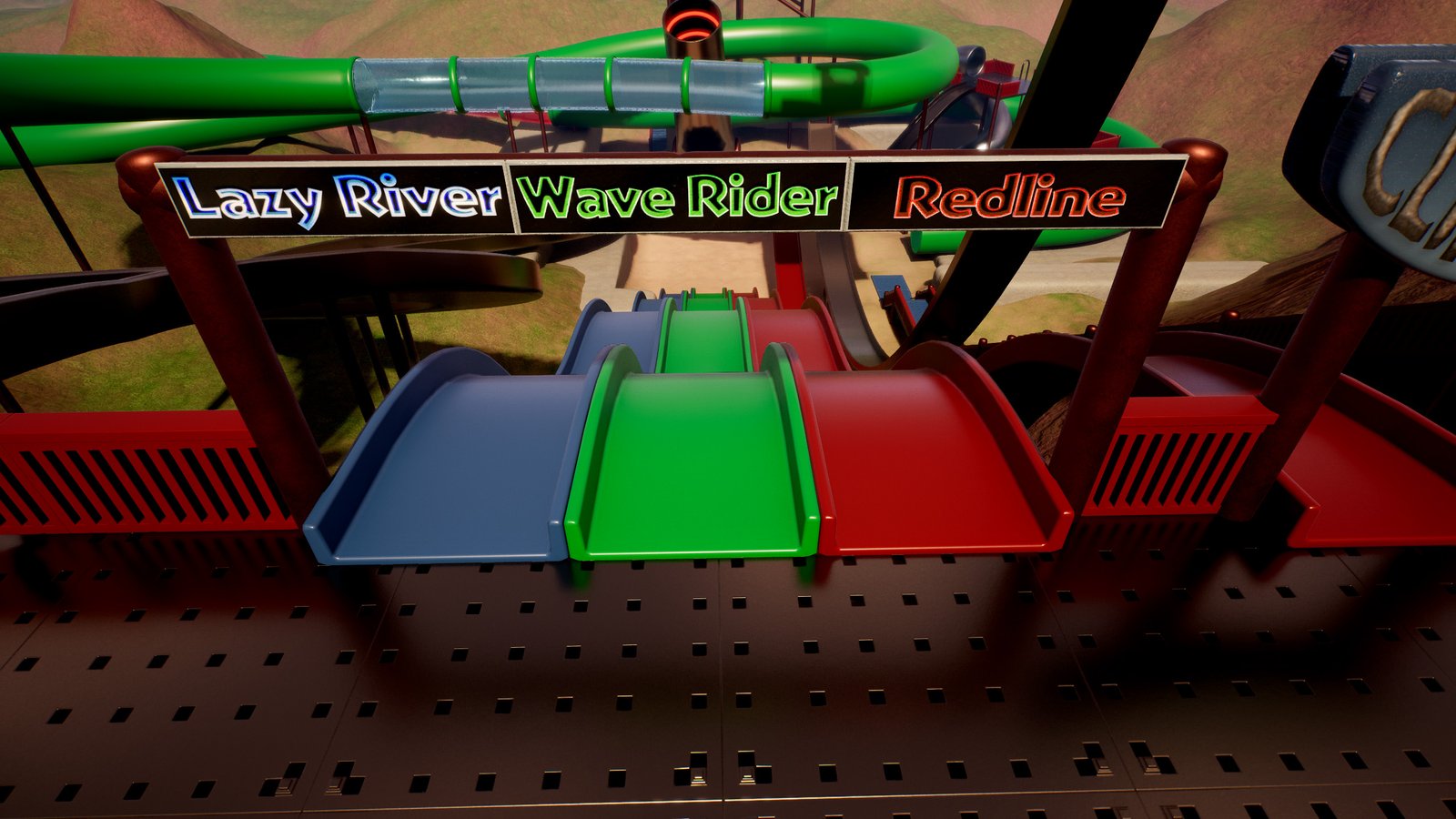
Lazy River, Wave Rider and Redline use the same physical slide shape: same mesh, same spline, same drop. The only differences are the slide parameters exposed in the Details panel. Ride all three back to back to feel how much the experience changes from settings alone.
Lazy River
Slow and comfortable. Minimal acceleration and no FOV effects, for a calm cruise from start to finish.
Wave Rider
A faster ride. Increased acceleration and slope influence, with subtle FOV effects that add a sense of speed.
Redline
The fastest version. Aggressive acceleration, strong slope influence and pronounced FOV effects.
- Acceleration: how hard the slide pushes the rider along.
- Slope Influence: how much steep sections speed the rider up.
- Max Speed and Min Speed: the range the ride stays within.
- Speed FOV (Slide › Camera): how far the field of view widens at top speed.
Select Lazy River and Redline together and compare their Movement and Camera settings. The difference between the gentlest and the fastest ride in the park comes down to a few numbers.
Cliffhanger
A steep jump slide that launches riders across the park.
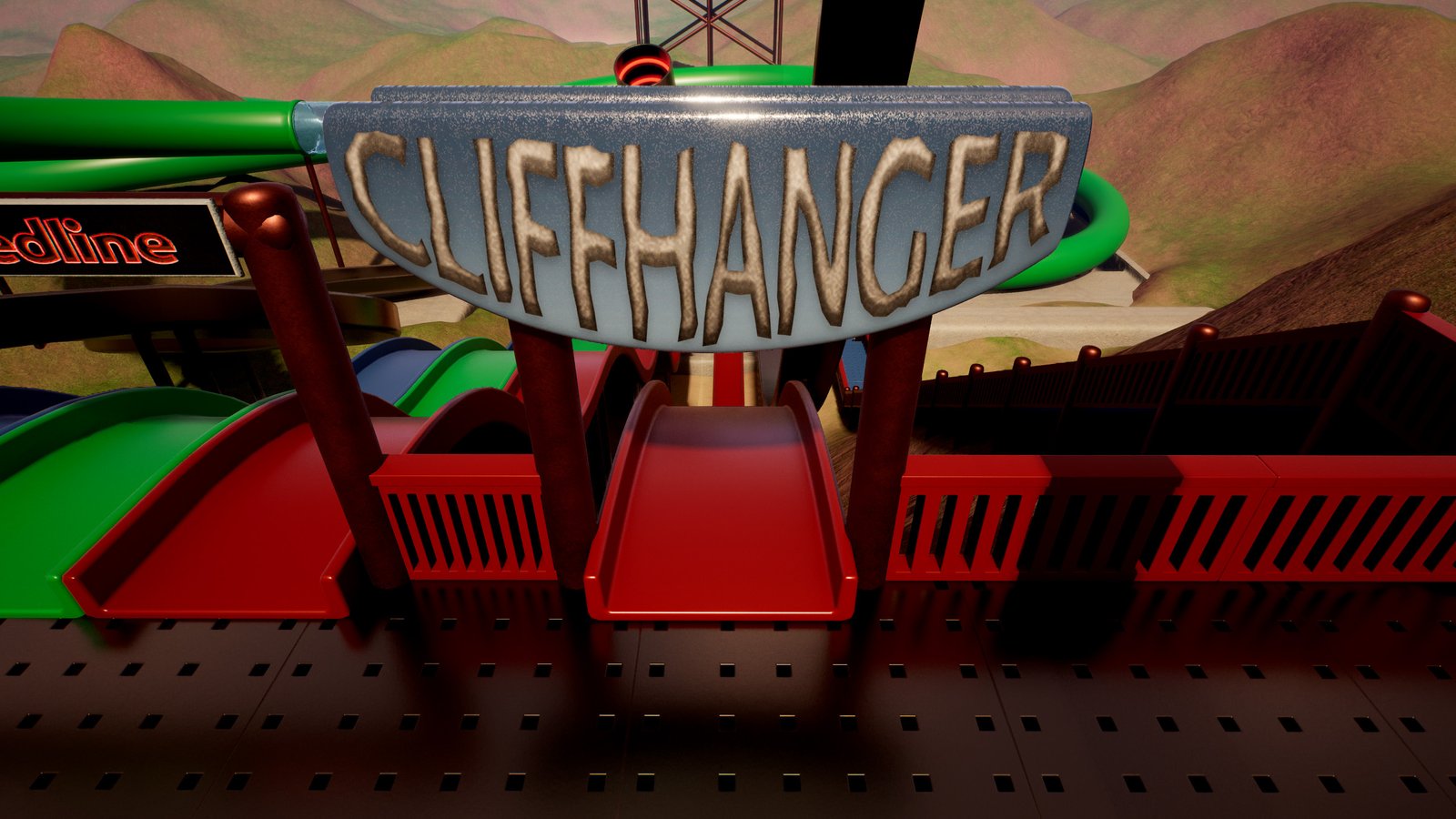
Cliffhanger turns a slide into a traversal mechanic rather than just an attraction. Riders race down the ramp and are launched onto an elevated platform elsewhere in the park, which is also where the Upper Cannon is.
Features demonstrated- Launch behaviour: aim the exit with Launch Pitch and check it in the viewport with the Exit Arrow.
- Momentum transfer: slide speed carries into the jump through Momentum Scale and Launch Boost, and Override Air Braking lets the rider fly the full arc.
- Traversal gameplay: a slide used to get the player from one part of the level to another.
Turn Override Air Braking off and ride again. The rider slows down much more in the air and falls short of the platform.
Cannons
Two giant launch cannons, built with the slide system.
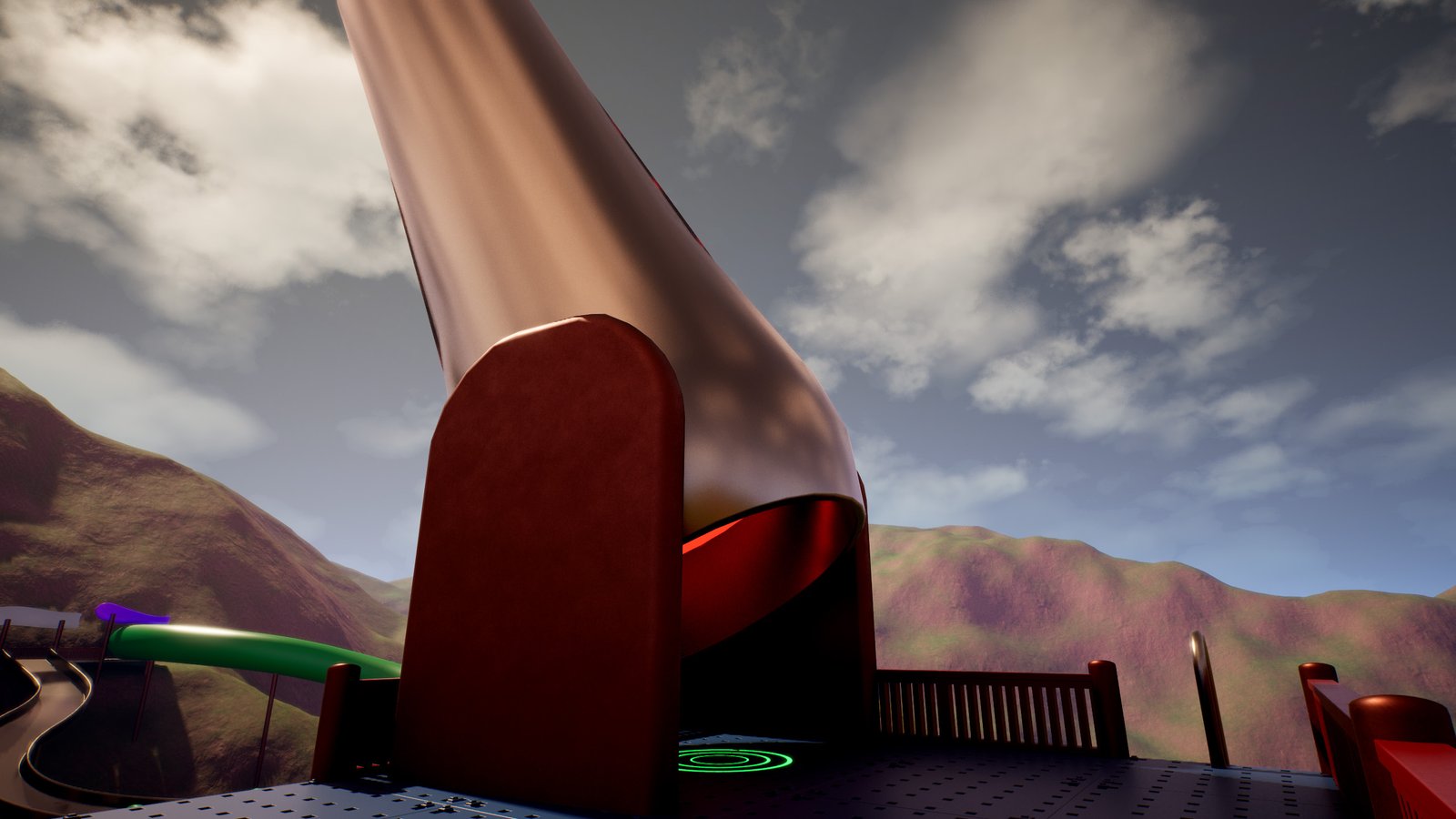
The cannons are not a separate gameplay system. Each one is a standard BP_SimpleSlideSystem: a short spline through the barrel and a powerful exit launch. They're a creative example of using the slide for experiences that go beyond traditional slides.
Upper Cannon
Fires riders from the Cliffhanger platform toward Skybreaker.
Lower Cannon
Quickly sends riders from ground level back up to the main slide platform.
- Using Launch Boost to launch hard from a very short path.
- Aiming long-distance launches with Launch Pitch and the Exit Arrow.
- Connecting areas of a level with launches instead of stairs or elevators.
Set Launch Boost to 0 and Momentum Scale to 1 to see how far a rider would travel on momentum alone. In a cannon, almost all of the distance comes from the boost.
Skybreaker
The tallest attraction in the park.
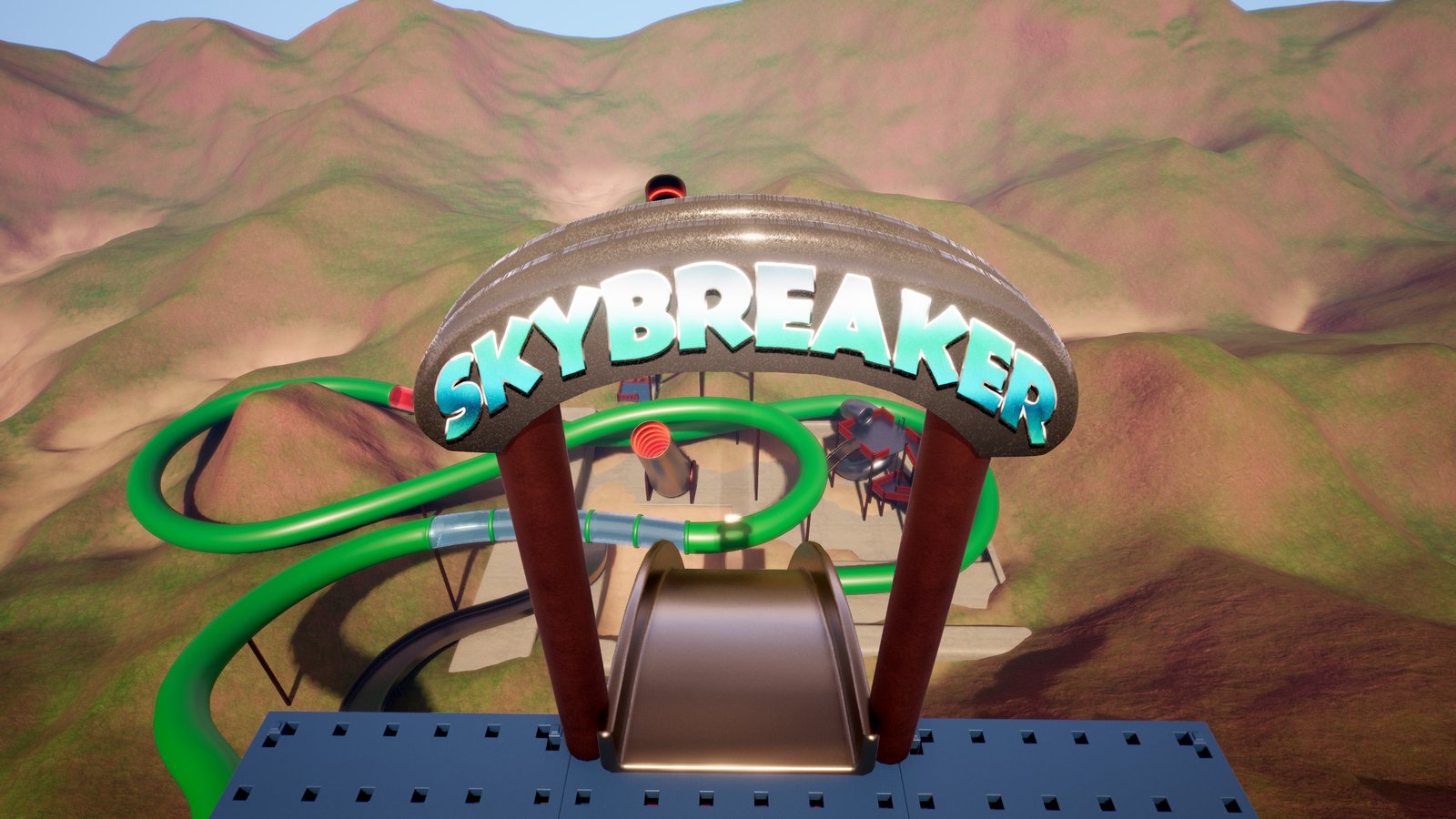
Skybreaker shows the biggest sense of speed the system can deliver. Riders build momentum down long vertical drops and are then launched back toward the upper platform.
Features demonstrated- Extreme speed: a high Max Speed so the drops can really build pace.
- Long vertical drops: steep spline sections driven by Slope Influence.
- High acceleration: a strong Acceleration for a relentless push.
- Strong FOV effects: a large Speed FOV boost that stretches the view at top speed.
- Dramatic launches: launch speed is slide speed × Momentum Scale + Launch Boost, so all that speed turns into height and distance at the exit.
Change Launch Pitch in steps of 10° and watch the Exit Arrow, then ride to see how the landing point moves.
Fireman Poles
Safe, controlled vertical descents.
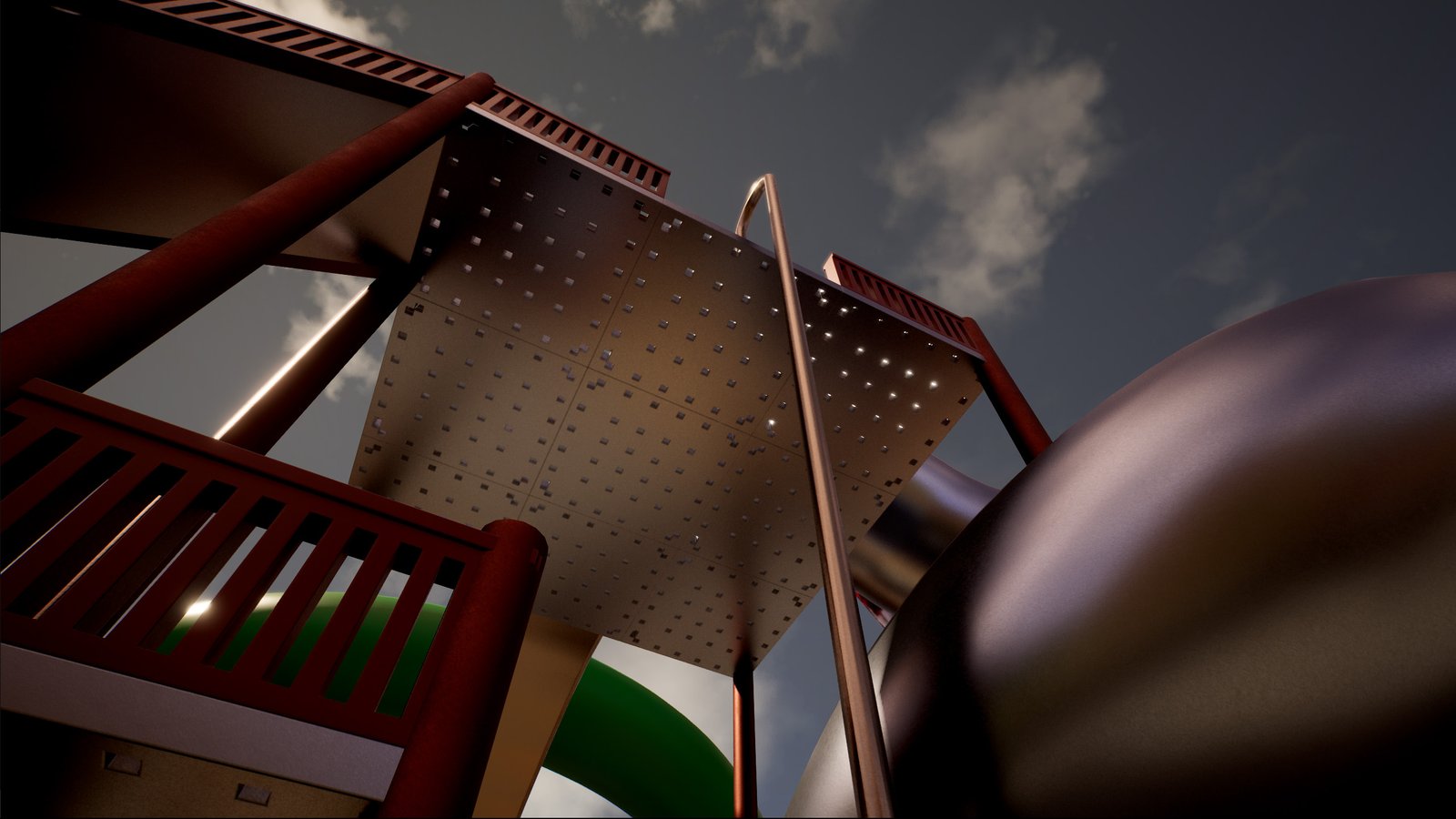
Several fireman poles around the park use the same slide Blueprint to bring riders down safely and under control. The spline simply runs straight down the pole, and the slide does the rest.
Features demonstrated- Non-slide uses of the system: anything that moves a Character along a path can be a "slide".
- Vertical traversal: a quick, reliable way down that never drops the player or leaves them stuck.
- Main platform
- Playground structure
Playground Structure
A small, traditional playground.
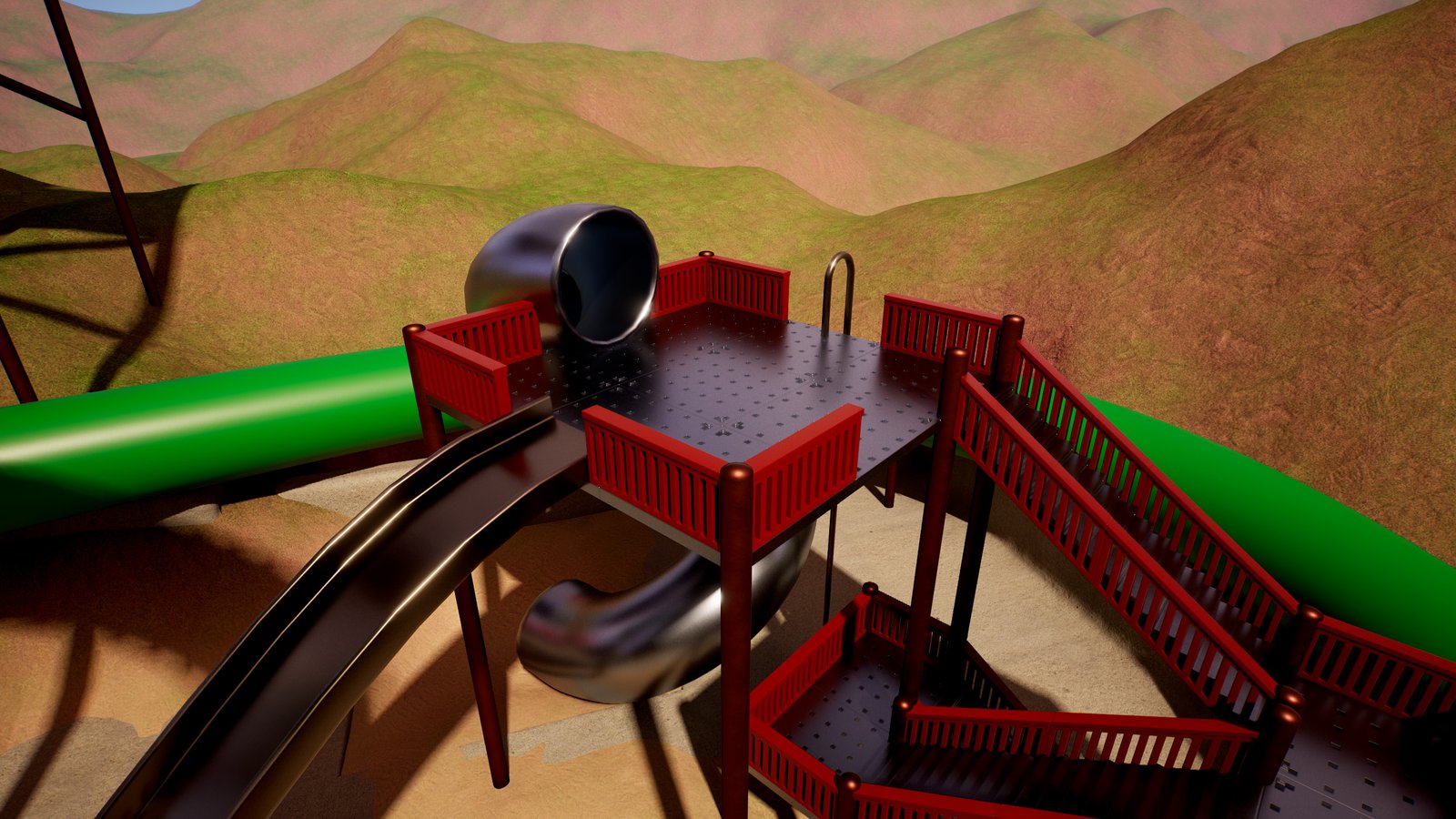
This area shows that the system works just as well for simple playground equipment as for large theme-park attractions. If you're new to the asset, start here: these slides are very close to what you get by dragging the slide into a level and shaping a short spline.
Included attractions- Open metal playground slide: a short, simple slope.
- Twisting enclosed tube slide: a compact tube that fits a backyard-sized structure.
- Fireman pole: the quick way down.
- Everyday practical use cases: the kind of slide you'd put in a town, school or backyard level.
- Smaller slide designs: the default settings give a good ride with little or no tuning.
- Simpler geometry: short splines with only a few points, lined up with the mesh using Rider Height Above Path.
Duplicate the metal slide (Ctrl+D), move the copy and reshape its spline. You've just made your own slide.
Demo content you can reuse
| Folder | What's inside |
|---|---|
Demo/DemoContent/Meshes | Slide models (tube, spiral, slope, bumpy and launch slides), platforms, stairs, fences, support poles, rings, a fire pole, cannon parts and attraction signs. |
Demo/DemoContent/Materials | Master and triplanar materials with plastic, metal, glass, glow and concrete instances. |
Demo/DemoContent/Textures | Plastic, concrete, rock, sand, grass and dirt textures. |
Demo/DemoContent/Blueprints | Demo character and game mode used by Slide_Mountain_Themepark. |
Demo/DemoContent/Input | Input actions and mapping context for the demo character. |
Audio | Slide sounds (sit and sliding loop) plus extra effects used in the demo. |
You can delete the Demo folder once you no longer need it. The slide itself only needs Core, and its default sounds live in Audio — if you delete Audio, set your own Sit Sound and Loop Sound (or leave them empty).